

In February 2026, artificial intelligence isn’t just a buzzword—it’s the backbone of competitive web development. With advancements in models like GPT-5, Grok-2, and specialized APIs from companies like OpenAI, Anthropic, and Google Cloud, integrating AI into your website scripts can transform user experiences, boost engagement, and skyrocket SEO performance. According to recent reports, sites leveraging AI see up to 30% higher conversion rates and 20% better retention due to personalized, efficient interactions.
Whether you’re building a custom PHP/Node.js site, a WordPress setup, or a modern framework like Next.js, ignoring AI means falling behind. This guide dives into five essential AI-powered features, explaining why they’re crucial, how to implement them in your scripts, and the tools to get started. We’ll cover real code snippets, potential challenges, and step-by-step integration tips to make your site future-proof.
1. Intelligent Chatbots for Real-Time Support and Engagement
Gone are the days of static FAQ pages or clunky contact forms. In 2026, AI chatbots powered by natural language processing (NLP) are non-negotiable for handling inquiries 24/7, reducing bounce rates, and even driving sales. These bots can answer complex questions, recommend products, or escalate to human agents seamlessly.
Why It’s Essential
- User Experience Boost: 68% of users prefer chatbots for quick resolutions, per 2025 surveys.
- SEO Indirectly: Faster support keeps users on-site longer, improving dwell time—a key Google ranking factor.
- Cost Savings: Automate 70-80% of support tickets, freeing resources.

15 Chatbot UI examples for designing an effective user interface | Sendbird
How to Implement in Your Script
Use APIs like Dialogflow (Google), OpenAI’s Assistant API, or free tiers of Grok API. In a PHP/Node setup:
- Choose an API: Sign up for OpenAI and get an API key.
- Frontend Integration: Use JavaScript for the chat interface (e.g., via BotUI or custom div).
- Backend Handling: In PHP (e.g., Laravel), create an endpoint to proxy requests:text
// routes/api.php Route::post('/chat', function (Request $request) { $client = OpenAI::client(env('OPENAI_API_KEY')); $response = $client->chat()->create([ 'model' => 'gpt-4o-mini', 'messages' => [ ['role' => 'system', 'content' => 'You are a helpful assistant for my website.'], ['role' => 'user', 'content' => $request->message], ], ]); return $response['choices'][0]['message']['content']; }); - Frontend JS: Use fetch to send user input and display responses.
- Advanced: Add context persistence with session storage or Redis for multi-turn convos.
Challenges: Handle rate limits (use caching) and privacy (GDPR compliance via anonymized data).
Tools: Dialogflow for intents, Rasa for open-source, or plugins like Tidio for WordPress.
2. Personalized Content Recommendations
AI-driven recommendations tailor content, products, or articles based on user behavior, turning passive visitors into loyal users. Think Netflix-style “You might like” sections, but for your blog or e-commerce site.
Why It’s Essential
- Engagement Spike: Personalized sites see 20% more page views.
- Conversion Uplift: E-commerce with AI recs boosts sales by 15-35%.
- SEO Benefits: Longer sessions and lower bounces signal quality to search engines.
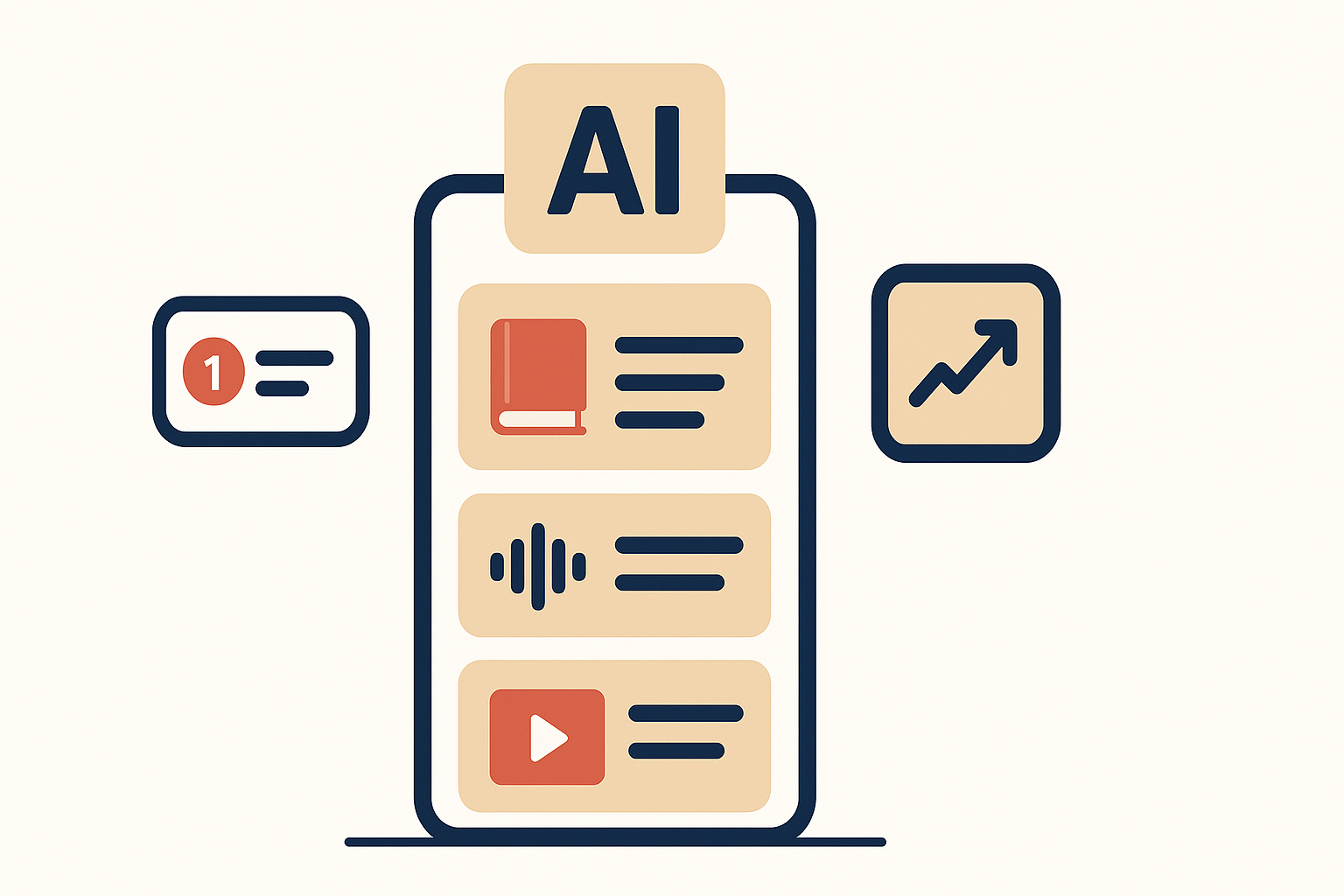
How to Generate AI-Personalized Content Recommendations for Users | Audiorista
How to Implement in Your Script
Leverage machine learning libraries or APIs like Amazon Personalize or TensorFlow.js for client-side.
- Track User Data: Use cookies or localStorage for behavior (pages viewed, time spent).
- Backend ML: In Node.js with TensorFlow:text
const tf = require('@tensorflow/tfjs-node'); // Simple collaborative filtering model (train on user-item matrix) async function recommend(userId) { const model = await tf.loadLayersModel('path/to/model.json'); const input = tf.tensor2d([[userId]]); const prediction = model.predict(input); return prediction.arraySync()[0]; // Top item indices } - API Alternative: Use Google Cloud Recommendations AI for plug-and-play.
- Display: Dynamically load via AJAX on page load.
Challenges: Data privacy (use opt-in); cold start for new users (fall back to popular items).
Tools: Recombee API, Algolia Personalization, or WordPress plugins like Yotuwp.
3. AI-Optimized SEO Tools
AI can automate keyword research, on-page optimization, and even predict ranking changes, making your script a self-improving SEO machine.
Why It’s Essential
- Dynamic SEO: With Google’s AI Overviews in SERPs, sites need real-time optimization.
- Efficiency: Cut manual SEO work by 50%, focusing on content.
- Competitive Edge: AI spots opportunities humans miss, like long-tail keywords.
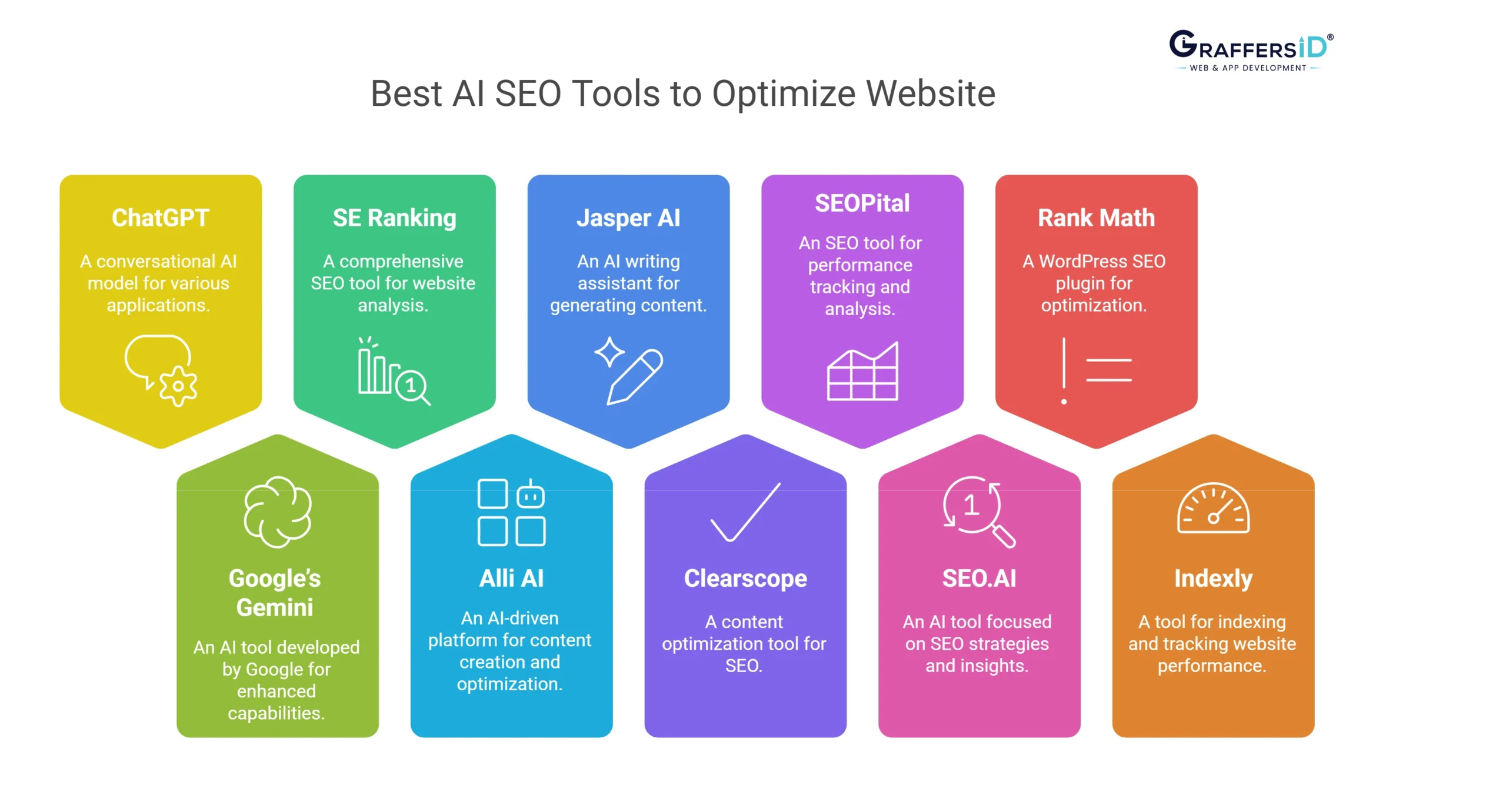
AI SEO Tools: 10 Options for Smooth Website Optimization in 2026
How to Implement in Your Script
Integrate tools like SEMrush API or build with NLP libraries.
- Keyword Analysis: Use Hugging Face Transformers in Python (via Flask API for your site):text
from transformers import pipeline analyzer = pipeline('summarization') def optimize_content(text): summary = analyzer(text)[0]['summary_text'] # Extract keywords, suggest improvements return {'keywords': extract_keywords(summary), 'score': calculate_seo_score(text)} - On-Page Edits: In CMS scripts, auto-generate meta tags.
- Monitoring: Cron jobs to check rankings via Ahrefs API.
Challenges: API costs; avoid over-optimization (focus on E-E-A-T).
Tools: Surfer SEO API, Clearscope, or Rank Math Pro for WordPress.
4. Automated Content Generation
AI writers create blog posts, product descriptions, or social snippets on-demand, scaling your content without a team.
Why It’s Essential
- Content Velocity: Produce 10x more without quality drop.
- SEO Fuel: Fresh content ranks higher; AI ensures relevance.
- Customization: Tailor to user queries or trends.
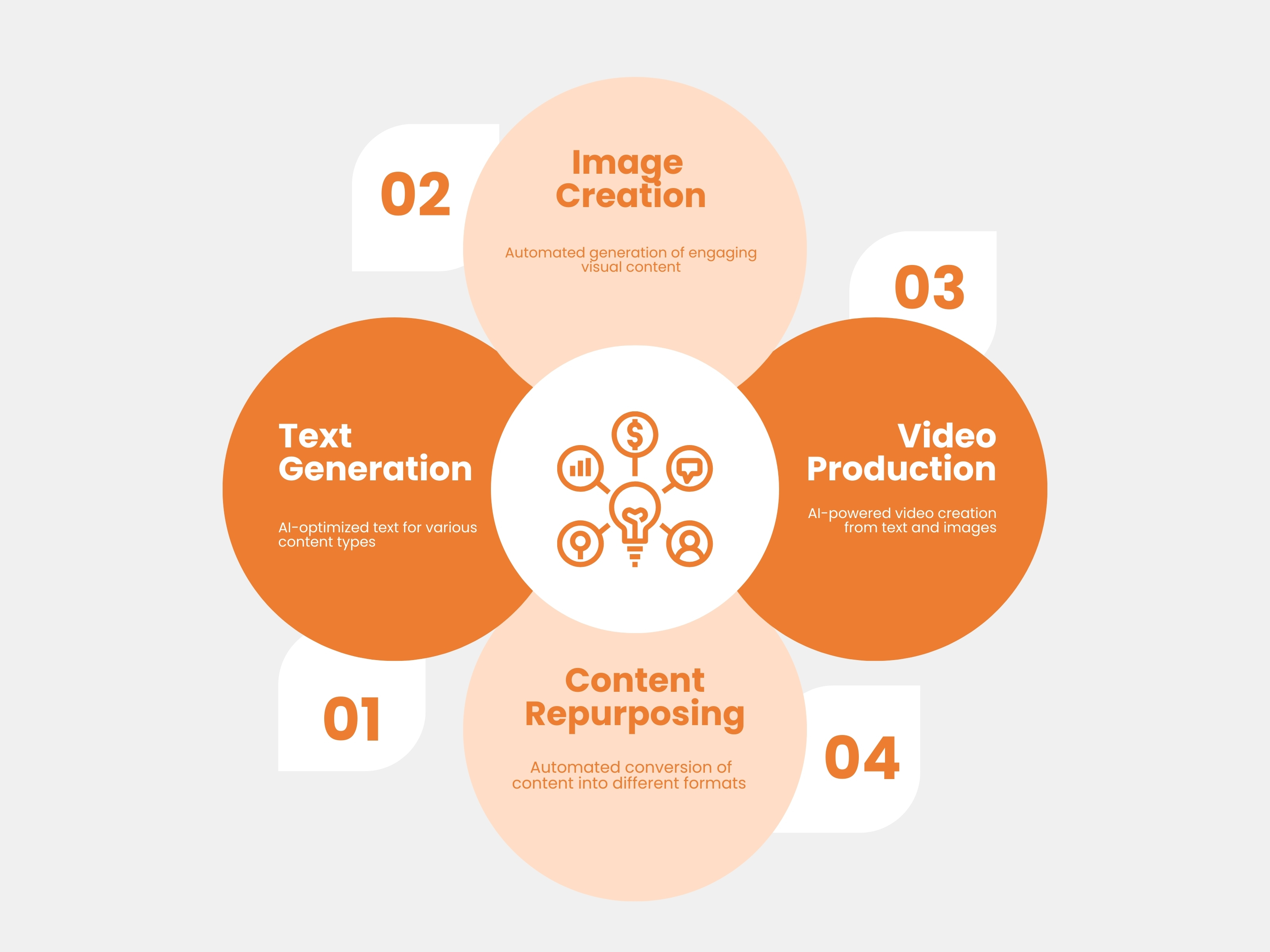
AI Content Generation Accelerator
How to Implement in Your Script
Use Grok API or Claude for generation.
- Endpoint Setup: In Ruby on Rails:text
# controllers/content_controller.rb def generate client = Anthropic::Client.new(api_key: ENV['ANTHROPIC_KEY']) response = client.messages.create( model: 'claude-3-opus-20240229', messages: [{ role: 'user', content: params[:prompt] }] ) render json: { content: response.content[0].text } end - Integration: Admin dashboard button to auto-fill posts.
- Refinement: Add human review workflow.
Challenges: Hallucinations (fact-check with APIs); plagiarism (use unique prompts).
Tools: Jasper.ai, Copy.ai, or WordPress AI plugins like Bertha AI.
5. Predictive Analytics for User Behavior
AI predicts what users will do next—churn, buy, or engage—allowing proactive features like personalized nudges.
Why It’s Essential
- Retention Magic: Reduce churn by 25% with predictions.
- Business Insights: Forecast traffic, optimize ad spend.
- UX Personalization: Pre-load content based on patterns.
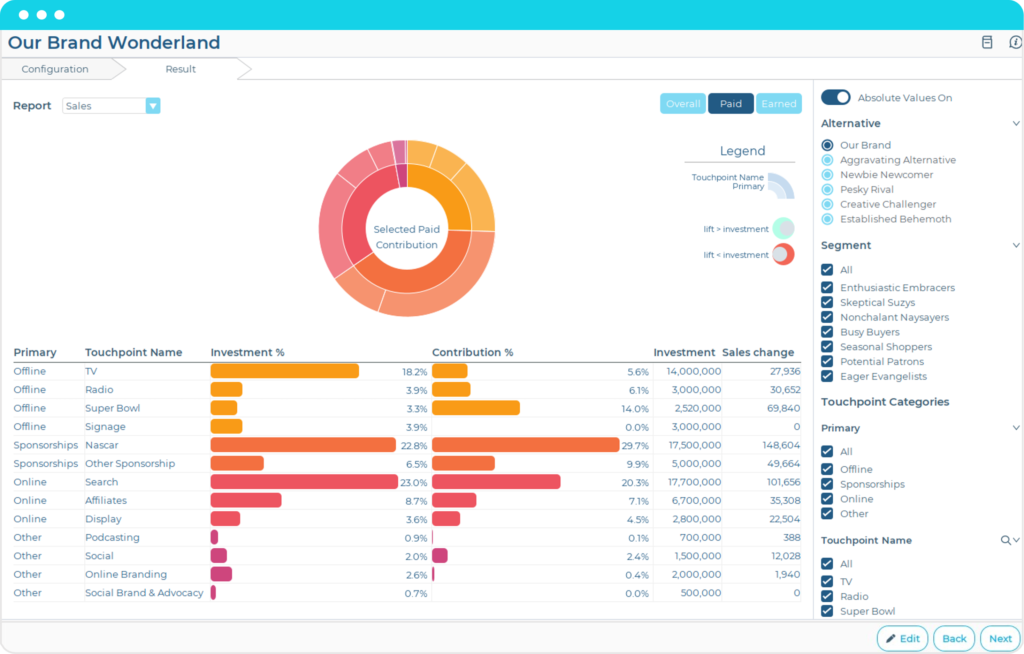
The 7 best predictive analytics software | Zapier
How to Implement in Your Script
Use scikit-learn or BigQuery ML.
- Data Collection: Log events with Google Analytics or custom DB.
- Model Building: In Python script (cron job):text
from sklearn.linear_model import LogisticRegression model = LogisticRegression() # Train on historical data: features (visits, time) -> label (churned) predictions = model.predict(new_data) - Real-Time: Integrate via WebSockets for dynamic UI changes.
Challenges: Data volume (start small); bias (diverse training sets).
Tools: Mixpanel AI, Amplitude Predict, or custom with TensorFlow.
Conclusion: Embrace AI or Get Left Behind
Integrating these AI features into your website script in 2026 isn’t optional—it’s survival. Start small: Add a chatbot, then layer on recommendations. With APIs costing pennies per call and open-source libraries abundant, the barrier is low. Monitor with tools like Google Analytics 4’s AI insights, iterate, and watch your metrics soar. Your users will thank you with loyalty, and search engines with rankings.


